Streaming live TV, movies, and sports through the internet has never been more popular — and the right IPTV player is the key to making it work seamlessly. Whether you’re cutting the cord for the first time or upgrading your current setup, your choice of IPTV player affects everything: stream quality, buffering, playlist compatibility, and ease of use.
This guide covers the best IPTV players available in 2026, broken down by device, so you can find the perfect fit — whether you’re on Android, Windows, Mac, iOS, or a Smart TV. We’ll also walk you through how to choose and set one up, even if you’re a complete beginner.
Table of Contents
What Is an IPTV Player?
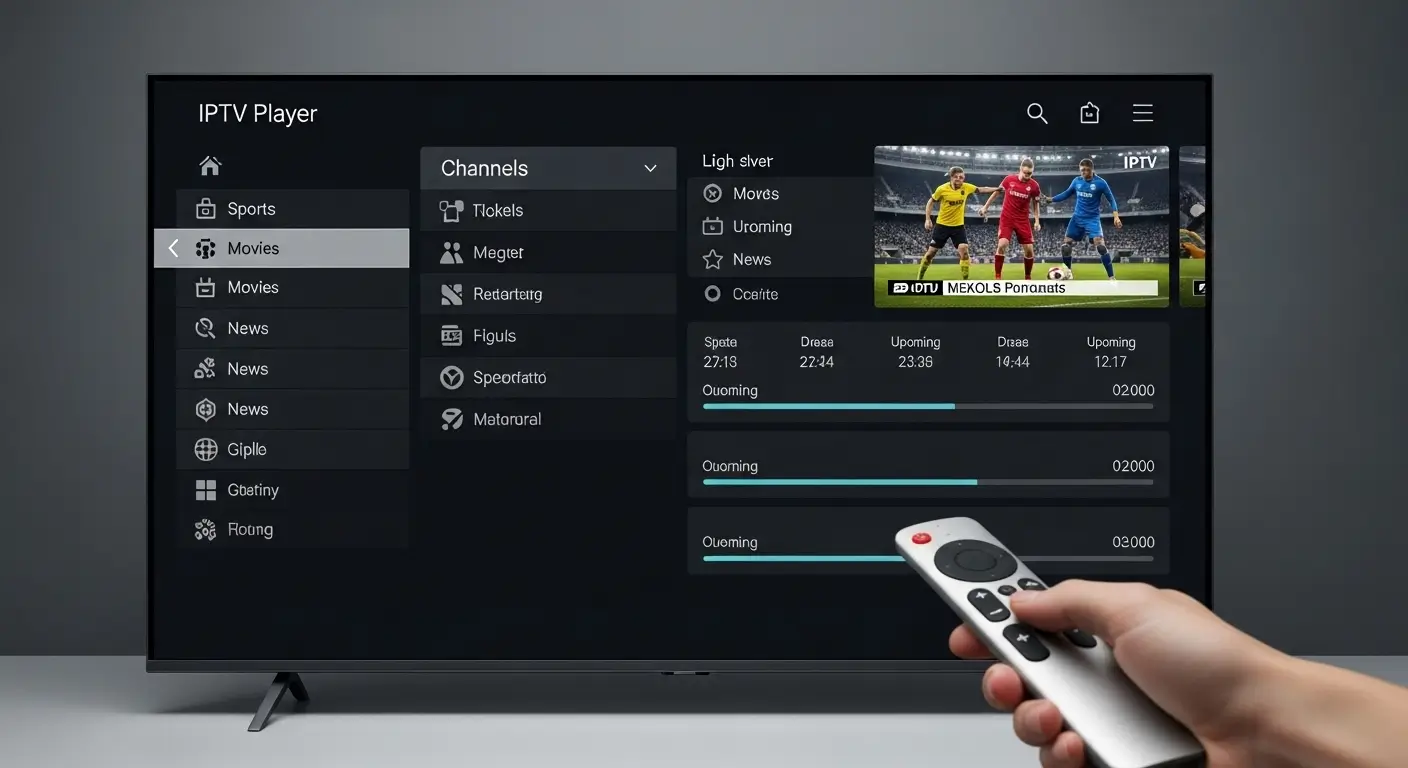
An IPTV player is a software application that streams television content delivered over the internet using the Internet Protocol (IP). Instead of receiving TV signals through a satellite dish or cable connection, an IPTV player fetches live channels, video-on-demand (VOD), and catch-up TV directly through your internet connection.
Also Read:
Most IPTV players work by loading an M3U playlist or connecting to an Xtream Codes API — two common formats used by IPTV service providers. Once connected, the app organizes your channels into a guide and lets you browse, search, and stream them just like a traditional TV.
IPTV players are not the same as IPTV services. The player is the app; the service is the subscription that provides the channel list. You need both to watch live TV via IPTV.
Top IPTV Players for Every Device (2026)
1. IPTV Smarters Pro (Android, iOS, Windows, Mac)
IPTV Smarters Pro is one of the most widely used IPTV players globally, and for good reason. It supports M3U playlists, Xtream Codes login, and offers a clean, TV-style interface. It includes an electronic program guide (EPG), catch-up TV support, and parental controls.
Best for: Users who want a polished all-in-one experience across multiple devices.
2. TiviMate (Android, Android TV)
TiviMate is widely considered the gold standard for Android TV users. Its interface is sleek, fast, and highly customizable. The free version is functional, but the premium version (TiviMate Companion) unlocks multiple playlists, recording, and automated EPG refresh.
Best for: Android TV boxes, Firestick, and NVIDIA Shield users who want the best experience.
3. VLC Media Player (Windows, Mac, Linux, Android, iOS)
VLC is a free, open-source media player that also handles IPTV streams. Simply paste an M3U URL under “Open Network Stream” and you’re live. It lacks a channel guide interface but works reliably for basic streaming.
Best for: Casual users who want a no-cost, no-setup option on desktop or mobile.
4. GSE Smart IPTV (iOS, Android, Apple TV)
GSE Smart IPTV is a feature-rich player popular among iPhone and iPad users, where IPTV app options are more limited. It supports M3U, Xtream Codes, and even has a built-in media player for local files. Its EPG support and multi-screen layout make it a strong choice for iOS.
Best for: Apple device users who want deep customization.
5. Perfect Player (Android, Windows)
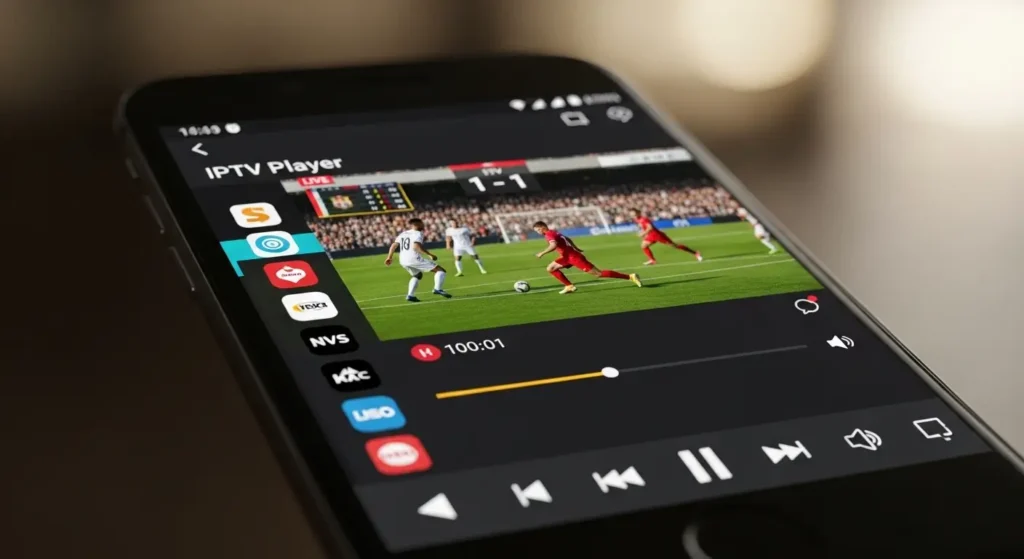
Perfect Player offers a classic set-top-box style interface with strong EPG support and multi-playlist management. It’s lightweight and stable, making it a great choice for older Android devices.
Best for: Users who prefer a traditional TV guide layout.
6. Kodi with PVR IPTV Simple Client (All Platforms)
Kodi is an open-source media center that, when paired with the PVR IPTV Simple Client add-on, becomes a powerful IPTV player. Setup takes a few more steps than other options, but Kodi’s library of add-ons makes it highly extensible.
Best for: Power users and those who want a fully customizable media hub.
How to Choose the Right IPTV Player
With so many options available, here’s what to look for:
- Device compatibility — Make sure the app is available for your operating system or TV platform (Android TV, Fire OS, Apple TV, Windows, etc.)
- M3U or Xtream Codes support — Confirm which format your IPTV provider uses, then pick a player that supports it
- EPG (Electronic Program Guide) — A built-in guide makes it much easier to browse channels and schedule content
- Stability and buffering control — Look for players that allow buffer size adjustments, especially if your internet connection is variable
- Multi-playlist support — Useful if you subscribe to more than one IPTV service
- Price — Many excellent IPTV players are free; premium versions typically unlock recording, multiple playlists, and enhanced EPG
How to Set Up an IPTV Player
Setting up most IPTV players takes under five minutes:
- Download the app from your device’s app store (Google Play, App Store, Amazon Appstore, etc.)
- Get your IPTV credentials from your service provider — this will either be an M3U URL or Xtream Codes login details (URL, username, password)
- Open the app and navigate to the “Add Playlist” or “Add Provider” section
- Enter your M3U URL or Xtream Codes details and save
- Wait for channels to load — this can take 30 seconds to a few minutes depending on list size
- Browse your channel guide and start streaming
Most providers also supply an EPG URL — adding this enables a full TV guide with show times and descriptions.
Frequently Asked Questions
Is an IPTV player free? Most IPTV players are free to download. Some, like TiviMate and IPTV Smarters Pro, offer optional premium upgrades that unlock features like recording and multiple playlist support. The IPTV service (channel subscription) itself is separate and typically requires a monthly fee.
What is an M3U file? An M3U file is a playlist file that contains the URLs of your IPTV channels. Your IPTV provider gives you an M3U link, which you load into your player to access the channel list.
Can I use an IPTV player on my Smart TV? Yes. Android-based Smart TVs can install apps like IPTV Smarters or TiviMate directly. For Samsung or LG TVs, you may need a streaming stick (like Firestick or Chromecast) running Android, as native IPTV apps are limited on those platforms.
Is IPTV legal? IPTV technology itself is legal. However, the legality depends on whether your IPTV service is licensed to distribute the content it streams. Always use authorized services to stay compliant with your local laws.
Which IPTV player is best for Firestick? TiviMate is the top choice for Firestick, followed closely by IPTV Smarters Pro. Both offer excellent Fire TV interfaces and reliable streaming.
Conclusion
Choosing the right IPTV player is the foundation of a smooth, enjoyable streaming experience. For Android TV and Firestick users, TiviMate is hard to beat. If you’re on iOS, GSE Smart IPTV delivers strong performance. And if you just want something free and universal, VLC gets the job done with zero fuss.
The best IPTV player is the one that matches your device, your provider’s format, and your personal preferences. Download one of the options above, plug in your M3U playlist, and you’ll be live in minutes.