
British IPTV Free Trial: What to Test Before Paying
If you searched for IPTV free trial, compare the advertised plan price, device fit and terms before ordering.
Check the full price, device fit and current terms, then message the team to confirm availability before ordering.
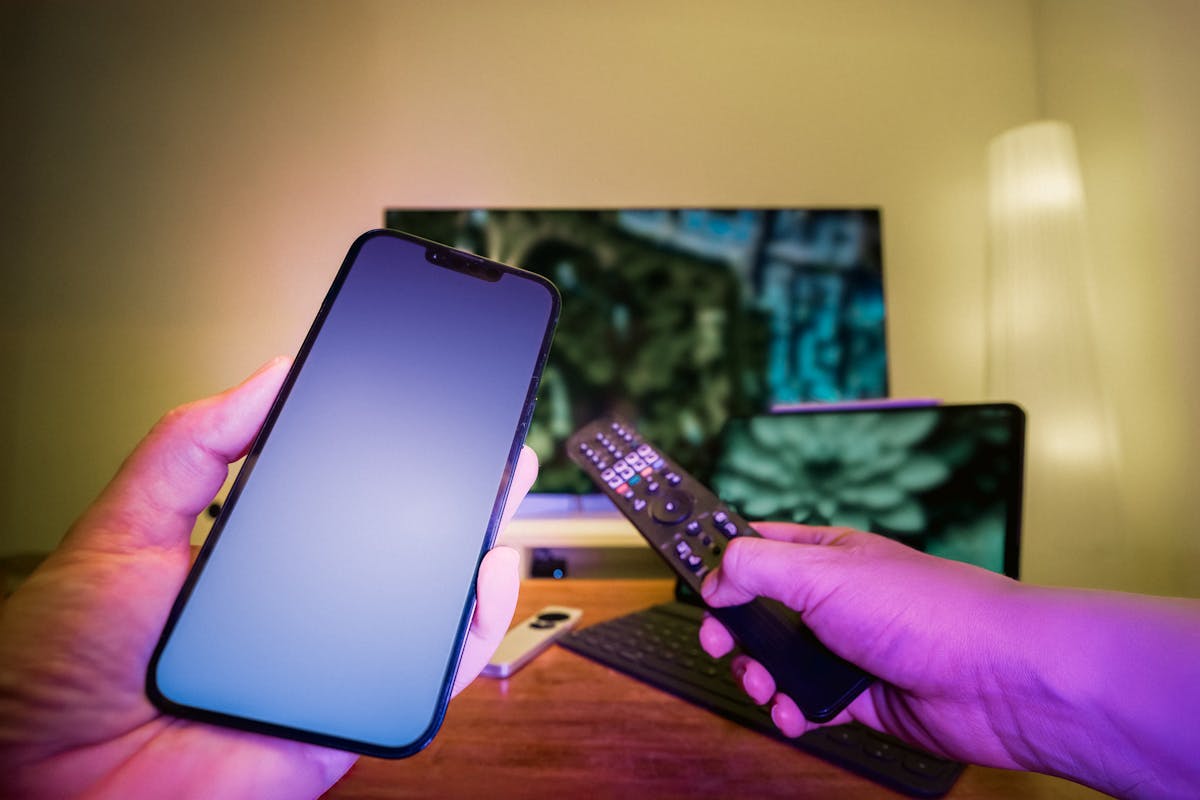
Interested in an IPTV free trial? Ask the team about current availability and duration.
BritishIPTVService lists four plan periods from £11. Compare your device total and request the current offer on WhatsApp.
Send your device model and preferred plan by WhatsApp. Confirm the final total and current availability before payment.
Compare plans for IPTV free trial
The one-device plans are £11 for one month, £22 for three months and £34 for six months.
The £50 annual plan includes one extra month.
- 1 Month — £11.00 · flexible access
- 3 Months — £22.00 · a practical quarterly option
- 6 Months — £34.00 · extended access
- 12 Months + 1 Free — £50.00 · one extra month
Choose two devices for the advertised 15% discount or three for 20%. The selector updates your total. Confirm connection limits before ordering.
Request a trial and test your own device
An IPTV free trial can help you check the app, guide and connection before choosing a longer plan.
Ask whether a trial is currently available and confirm its duration.
Use an IPTV free trial on the same television or streaming device you plan to use after subscribing.
- Confirm the exact start and end time.
- Test the player and login format.
- Check the channels or features you care about.
- Ask whether payment details are required.
For IPTV free trial, compare the details against the device and viewing pattern you actually have.
Ask for written confirmation whenever an advertised feature or condition affects your decision.
Choose a package that fits your device
The advertised device categories include Android, iOS, PC and Smart TV.
Compatibility depends on the exact model, operating system and player app, so share those details before you order.
- Tell support the device brand and model.
- Name the app or player you plan to use.
- Ask whether the required login format is supported.
- Confirm EPG and time-shift availability where relevant.
Trial availability and duration can change. The team should confirm the current offer before you rely on a test period.
What to confirm before you pay
Before choosing IPTV free trial, get the current total, access period and device limit in writing.
Check how delivery is confirmed and where to contact the team if you need help.
- Final price and any device discount.
- Current availability and relevant content terms.
- Trial duration, if a trial is offered.
- Refund, expiry and renewal conditions.
Questions about IPTV free trial
How do I order after comparing IPTV free trial?
Choose a period, check the device total and message the team to confirm availability and setup. Review the written terms before making payment.
Is a free trial always available?
No. Message the team to confirm current availability and duration.
What should I test during a trial?
Check your device, picture quality, guide data and the content you are authorised to access.
Ready to compare your package?
Compare all four plans and device discounts on the pricing page. Send your device model and preferred period on WhatsApp.
Check your plan and device compatibility
Get the current price, availability and written conditions before ordering.