
Table of Contents
Introduction
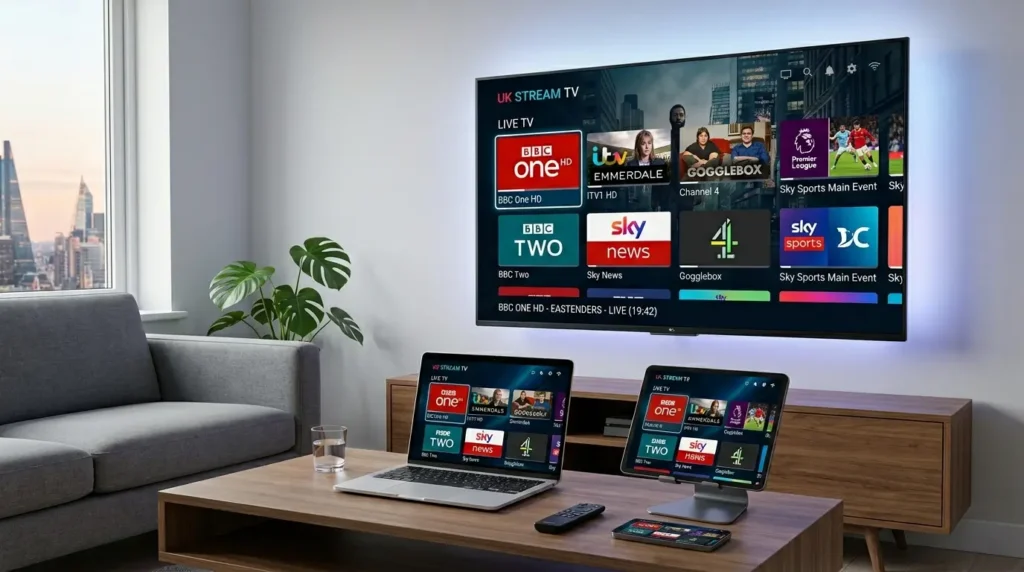
UK IPTV has transformed the way millions of people watch television. Instead of relying on a traditional satellite dish or a cable box, viewers now stream live TV, on-demand content, and international channels directly over the internet — all from a single subscription.
Whether you want to watch Premier League football, catch up on BBC favourites, or access channels from around the world, UK IPTV delivers it all to your smart TV, smartphone, or streaming device. But with so many providers on the market — and not all of them operating legally — knowing where to start can feel overwhelming.
This guide breaks down everything you need to know about UK IPTV in 2026: how it works, what to look for in a provider, the legal landscape, and how to get set up quickly and safely.
What Is UK IPTV and How Does It Work?
IPTV stands for Internet Protocol Television. Rather than broadcasting signals via traditional aerial, satellite, or cable infrastructure, IPTV delivers TV content through a broadband internet connection using the same protocols that power the web.
When you subscribe to a UK IPTV service, you receive access to a channel list — often called an M3U playlist or EPG (Electronic Programme Guide) — which your IPTV player or smart TV app uses to stream content in real time or on demand.
How the Technology Works
- Content is hosted on remote servers operated by the IPTV provider.
- You connect via an app or IPTV player (such as TiviMate, IPTV Smarters, or a dedicated set-top box).
- Streams are delivered over your broadband using HTTP, HLS, or RTMP protocols.
- You watch live or recorded content exactly as you would with standard TV, but with far greater flexibility.
The quality of your experience depends largely on your internet speed. For HD streaming, a connection of at least 10 Mbps is recommended; for 4K content, 25 Mbps or more is advisable.
What Can You Watch with UK IPTV?
- Live UK channels (BBC One, ITV, Channel 4, Sports, BT Sport)
- International channels from Europe, the Middle East, South Asia, and beyond
- Video on demand (VOD) libraries with thousands of films and series
- Catch-up TV and time-shift viewing
Legal vs. Illegal IPTV in the UK — What You Need to Know
This is perhaps the most important section of any UK IPTV guide, and it’s one that too many users overlook.
Legal IPTV Services
Legal UK IPTV services are those that hold the proper licensing agreements to distribute the content they offer. Well-known legal IPTV platforms include:
- BBC iPlayer — free, licence-fee funded, streaming all BBC channels
- ITVX — free and premium tiers, streaming ITV channels and originals
- Glass / Stream — subscription-based, delivering full channel lineup via broadband
- Virgin Media Stream — broadband-delivered TV replacing traditional cable
- YouTube TV and similar — international services with select UK availability
These services pay rights holders for the content they broadcast, ensuring creators and broadcasters are compensated.
Illegal IPTV in the UK
Illegal IPTV services — often marketed under vague names and sold cheaply on social media — redistribute copyrighted content without authorisation. In the UK, using or reselling such services can have serious consequences:
- For resellers: Criminal prosecution under the Copyright, Designs and Patents Act 1988, with potential unlimited fines or imprisonment.
- For users: Civil action is increasingly being pursued by rights holders, particularly for sports content piracy.
- Financial risk: Many illegal providers take payment and disappear, leaving subscribers with no recourse.
- Security risk: Unverified IPTV apps may contain malware or harvest personal data.
The Federation Against Copyright Theft (FACT) and Ofcom actively investigate and shut down illegal IPTV operations across the UK. In 2026, enforcement has intensified significantly, with ISPs increasingly blocking known illegal IPTV sources at the network level.
The bottom line: Always verify that any UK IPTV provider holds the proper licences before subscribing.
Top Features to Look for in a UK IPTV Subscription
Not all IPTV services are created equal. Here’s what separates a quality UK IPTV subscription from a subpar one.
1. Channel Selection and Quality
Look for a service that covers the UK free-to-air channels as a baseline (BBC, ITV, Channel 4, Channel 5) and adds premium channels relevant to your interests — sports, movies, entertainment, or international programming.
2. Stream Stability and Uptime
Buffering is the enemy of great TV. A reputable provider should guarantee at least 99.9% uptime and offer redundant server infrastructure so streams don’t drop during peak times (match days, major live events).
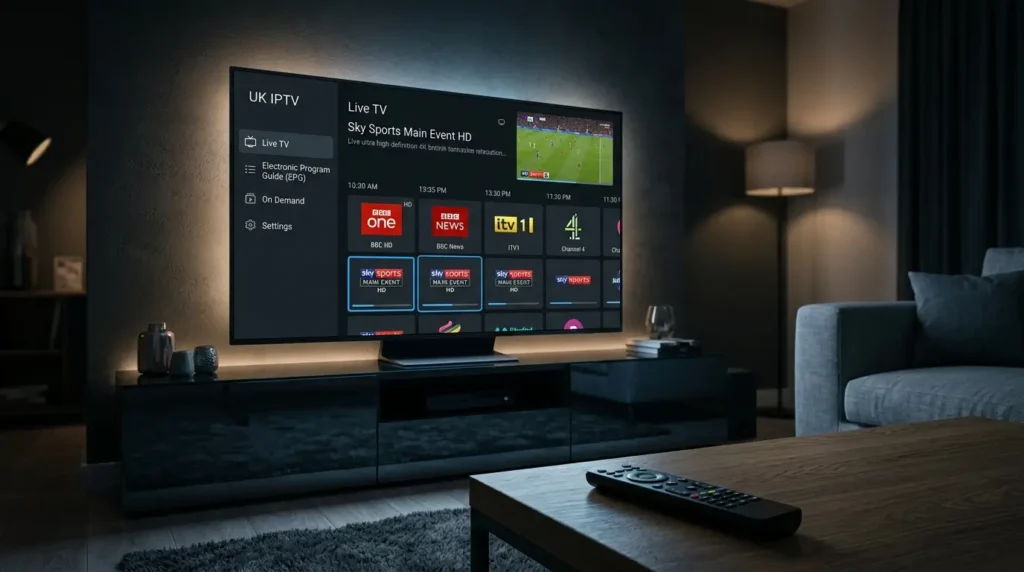
3. EPG (Electronic Programme Guide)
A full, accurate EPG makes your IPTV experience feel like standard TV. It lets you browse upcoming programmes, set reminders, and navigate easily across channels.
4. VOD Library
On-demand content extends the value of your subscription. Look for providers with regularly updated film and series libraries, ideally with catch-up functionality for live channels.
5. Device Compatibility
A good UK IPTV service should work across:
- Smart TVs (Samsung, LG, Android TV)
- Fire TV Stick and Roku
- iOS and Android smartphones and tablets
- Desktop browsers
6. Customer Support
Responsive customer support is a sign of a professionally run service. Look for providers offering live chat or ticketed support with quick response times.
7. Trial Options
Reputable providers often offer short trial periods (24–48 hours) at low cost, letting you test stream quality and channel availability before committing to a subscription.
Best Legitimate IPTV Services for UK Viewers in 2026
Here are the top legal and licensed IPTV-style platforms currently serving UK viewers.
BBC iPlayer
The gold standard of free UK streaming. iPlayer offers all BBC channels live, plus an extensive catch-up library. It’s available on virtually every device and is free with a valid TV licence. The interface is clean, streams are reliable, and the VOD library is vast.
ITVX
ITVX replaced ITV Hub and significantly expanded the catalogue. The free tier is ad-supported; the premium tier (£3.99/month) removes ads and adds BritBox content. Excellent for ITV dramas, reality TV, and classic British series.
Stream
Stream is Sk-y’s broadband-only TV service — no satellite dish required. Subscriptions start from around £26/month and include live channels, Cinema, and access to Netflix and Disney+ through a single box. It’s the closest to a full cable TV replacement via IPTV.
Virgin Media Stream
For existing Virgin Media broadband customers, Stream offers a similar experience to Sk-y Stream: live TV, on-demand content, and third-party apps, all delivered over broadband.
Apple TV+ and Disney+
While not traditional IPTV, these subscription streaming services complement a core UK IPTV setup beautifully, offering premium originals and major studio content for £8.99–£11.99/month respectively.
BT Sport / TNT Sports via Discovery+
For sports fans, Discovery+ (which hosts TNT Sports) offers live sports streaming including UEFA Champions League, Premier League, and Premiership Rugby. Available standalone or bundled with BT broadband.
How to Set Up IPTV in the UK
Setting up a legal IPTV service in the UK is straightforward. Here’s a general step-by-step process:
Step 1: Check Your Internet Speed
Run a speed test. For reliable HD streaming, aim for at least 10 Mbps download speed. For multiple simultaneous streams or 4K content, 50 Mbps+ is ideal.
Step 2: Choose Your Device
Most UK IPTV services support Smart TVs, Amazon Fire Stick, Apple TV, Android TV boxes, and smartphones. If your TV isn’t smart, a Fire TV Stick (from £24.99) is the easiest upgrade.
Step 3: Download the App
Visit your chosen provider’s official website or your device’s app store. Download the official app — avoid third-party APKs from unverified sources.
Step 4: Subscribe and Log In
Create an account, choose your subscription tier, and log in. Most services activate instantly.
Step 5: Explore Your EPG and VOD
Once logged in, browse the channel guide, set up favourites, and explore the on-demand library to make the most of your subscription.
UK IPTV vs. Traditional TV: Which Is Better?
The shift from traditional broadcast TV to IPTV reflects broader changes in how we consume media. Here’s a side-by-side comparison:
| Feature | Traditional TV (Satellite/Cable) | UK IPTV |
|---|---|---|
| Setup | Dish/cable installation required | Internet connection only |
| Flexibility | Fixed channel packages | Customisable, often modular |
| Cost | £30–£100+/month | £0–£30/month (legal services) |
| Portability | Home-only | Watch anywhere on any device |
| International Channels | Limited | Extensive |
| 4K Availability | Selected channels | Growing rapidly |
| Contract | Often 12–24 months | Monthly or annual |
For most UK households in 2026, a hybrid approach works best: a free-to-air base (Freeview or Freesat) combined with one or two IPTV streaming subscriptions covers the vast majority of viewing needs at a fraction of the traditional pay-TV cost.
Frequently Asked Questions About UK IPTV
Is IPTV legal in the UK?
IPTV itself is a technology — it is entirely legal. Whether a specific service is legal depends on whether it holds the proper broadcasting and distribution licences. BBC iPlayer, ITVX, and Sky Stream are all legal. Services sold cheaply via social media with “10,000 channels” are almost certainly not.
Do I need a TV licence to use IPTV in the UK?
You need a TV licence if you watch live TV as it is broadcast — regardless of whether you’re watching via satellite, cable, or IPTV. You also need one to use BBC iPlayer. If you only watch on-demand content on non-BBC platforms, no licence is required.
What internet speed do I need for UK IPTV?
- SD streaming: 5 Mbps
- HD streaming: 10–15 Mbps
- Full HD (1080p): 15–25 Mbps
- 4K streaming: 25–50 Mbps
Can I use IPTV on my Smart TV?
Yes. Most major UK IPTV services have dedicated apps for Samsung Tizen, LG webOS, and Android TV. If your smart TV doesn’t support a specific app, a Fire TV Stick or Chromecast can bridge the gap.
What is an M3U playlist?
An M3U file is a text-based playlist format used by many IPTV applications to organise and access channel streams. Legitimate services may use M3U lists internally, but if you’re being sold a raw M3U link with no app or support, treat it with caution.
Can I watch UK IPTV abroad?
Some legal UK services (like BBC iPlayer) are geo-restricted and require a UK IP address. A VPN can help, though using one to circumvent geo-restrictions may violate terms of service.
Conclusion
UK IPTV represents the future of television — flexible, affordable, and packed with content. Whether you’re cutting the cord entirely or supplementing your existing TV setup, there’s a legitimate IPTV solution for every viewer in 2026.
The key is choosing services that are properly licensed, reliable, and compatible with your devices. Platforms like BBC iPlayer, ITVX, Sk-y Stream, and Discovery+ deliver outstanding quality without any of the legal or security risks associated with unverified providers.
Ready to upgrade your TV experience? Start with the free-to-access services — BBC iPlayer and ITVX — and build from there based on your interests in sports, cinema, or international content.